Every Primavera P6 schedule carries a setting most schedulers set once and never look at again. It is in the Schedule Options dialog, under When scheduling progressed activities use, and it has three choices: Retained Logic, Progress Override and Actual Dates.
On a schedule where every activity starts after its predecessors finish, the three give the same dates. They differ only when work happens out of sequence, when an activity starts before the work it depends on is complete. That happens on almost every construction job. It is also where the finish date of a monthly update can move by days depending on one setting.
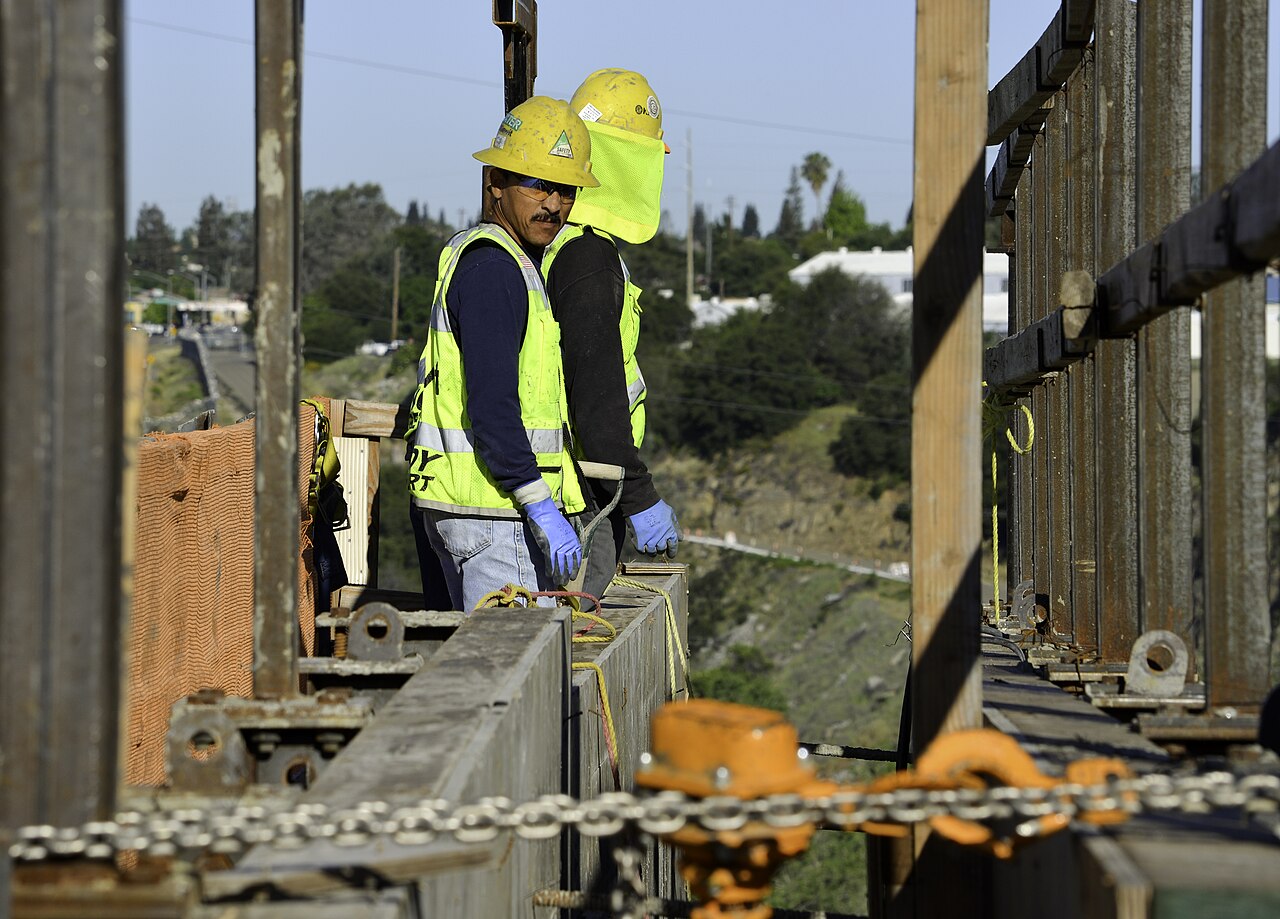

What out-of-sequence progress is
A Finish-to-Start relationship says the successor cannot start until the predecessor finishes. On site, crews often start early on part of the work. The framers begin on the first section of a slab while the rest is still being poured. The schedule then records an actual start on the successor while its predecessor is unfinished. That is out-of-sequence progress, and the three settings are three answers to one question: what happens to the rest of the successor's work?
A worked example
Three activities in a chain, each Finish-to-Start:
- A — Pour slab on grade, 10 days. Started on day 1; at the data date (day 6) it has 5 days left.
- B — Frame walls, 5 days. Started early, on day 4, and has 2 days done and 3 days left.
- C — Set roof trusses, 2 days. Not started.
Retained Logic keeps the relationship. B has started, and its progress stands, but the 3 days it has left are scheduled only after A finishes on day 10, so B finishes on day 13 and C on day 15. The relationship that the crew broke on site is still in the schedule, and it still drives.
Progress Override drops the relationship for work already under way. B simply continues from the data date and finishes on day 8. C follows on day 10, the same day A finishes. The project is five days shorter, because the schedule has stopped treating A as a constraint on B.
Actual Dates schedules B like Retained Logic: its remaining work still waits for A. The difference is in the float. P6 measures A's late dates against the actual start of B, so A shows negative float for as long as it stays unfinished. That is a loud signal that the logic no longer matches the site, and it is the reason the setting is the least used of the three.
| Setting | B's remaining work | C finishes | What the float says |
|---|---|---|---|
| Retained Logic | Waits for A to finish | Day 15 | A is on the driving path to C |
| Progress Override | Continues from the data date | Day 10 | A no longer drives B or C |
| Actual Dates | Waits for A to finish | Day 15 | A shows negative float while unfinished |
Which one is right
Neither setting makes the schedule true by itself. A 2013 paper in the AACE International Transactions, Schedule Update Analysis: Retained Logic versus Progress Override (Tamboli, Owen and Alkuwari, PS.1357), sets out the problem with each. Retained Logic can keep a relationship alive that no longer exists on site, so the remaining work waits for nothing and float is understated. Progress Override can make the predecessor disappear from the path entirely, so the finish looks earlier than the work allows. The paper's summary of the dispute is short: "Owners prefer retained logic and contractors prefer progress override."
The way out is the same under every setting. When work goes out of sequence, change the logic to describe what is happening, for example by turning the Finish-to-Start into a Start-to-Start with a lag plus a Finish-to-Finish. Then the setting decides very little, because nothing is out of sequence any more.
What the specifications require
Construction specifications do not leave the choice open. Three of the owners we check name the setting outright:
| Owner | Section | The requirement |
|---|---|---|
| U.S. Army Corps of Engineers | UFGS 01 32 01.00 10, 3.3.17 | "Schedule calculations must retain the logic between predecessors and successors ("retained logic" mode) even when the successor activity starts and the predecessor activity has not finished (out-of-sequence progress)." |
| Naval Facilities Engineering Systems Command | UFGS 01 32 17.00 20, 1.4.2.f | "Handle NAS calculations through Retained Logic, not Progress Override. Out of Sequence progress is not allowed. Relationships must be changed to reflect as-built relationships." |
| Virginia Department of Transportation | Progress Schedule, Category III (March 2022), II.2.A(13)(d) | "Specify 'Retained Logic' for scheduling progressed activities." |
The Corps goes further than the setting. Its section prohibits the alternative by name: features that "sever the tie between predecessor and successor activities when the successor has started and the predecessor logic is not satisfied ("progress override") are not be allowed." It treats out-of-sequence work itself as an exception, in 3.3.13: "Activities that have progressed before all preceding logic has been satisfied (Out-of-Sequence Progress) will be allowed only on a case-by-case basis subject to approval by the Contracting Officer."
A schedule set to Progress Override on a Corps, NAVFAC or VDOT contract is outside the specification before anyone looks at a single activity. Because the setting is stored in the .xer file, it is also the easiest problem for a reviewer to find.
What 44 public schedules show
We read the setting and the progress in every Primavera P6 schedule of 100 activities or more in our public research set, 44 schedules in all, none of them a customer's.
| Measure | Result |
|---|---|
| Set to Retained Logic | 38 of 44 |
| Set to Progress Override | 1 of 44 |
| Setting not stated in the export | 5 of 44 |
| Schedules with any progress recorded | 18 |
| Of those, with out-of-sequence progress | 12 of 18 |
| Started activities that began while a Finish-to-Start predecessor was still unfinished | 3,280 of 11,066 (30%) |
The setting is almost always right. The progress usually is not. Two in three progressed schedules carry out-of-sequence work, and those are the files in which the setting decides the finish date.
How to set it, and how to clean up out-of-sequence work in P6
- Open Tools › Schedule › Options, and on the General tab set When scheduling progressed activities use to Retained Logic.
- Reschedule (F9) at the data date of the update.
- Find the out-of-sequence activities. P6 can list them in the schedule log (tick Log to file in the Schedule dialog). Any activity with an actual start and an unfinished Finish-to-Start predecessor is one.
- For each, change the relationship to match the work. Usually that means Start-to-Start plus Finish-to-Finish where the trades overlap, or splitting the predecessor where part of it is genuinely complete.
- Reschedule and compare the finish with the previous update. Explain any movement in the narrative, because the reviewer will see it.
Frequently asked questions
What is the difference between Retained Logic and Progress Override?
Under Retained Logic, an activity that started out of sequence keeps its progress but its remaining work waits for its unfinished predecessors. Under Progress Override, the remaining work continues from the data date and the predecessor relationship is ignored. Progress Override usually gives an earlier finish.
What does the Actual Dates option do in P6?
It schedules the remaining work like Retained Logic, but calculates the predecessor's late dates against the successor's actual start, so the unfinished predecessor shows negative float until it is complete.
Which scheduling option does USACE require?
Retained Logic. UFGS 01 32 01.00 10 paragraph 3.3.17 requires schedule calculations to retain the logic between predecessors and successors and prohibits progress override.
Is out-of-sequence progress allowed on a USACE schedule?
Only on a case-by-case basis with the Contracting Officer's approval, under paragraph 3.3.13. NAVFAC's section 01 32 17.00 20 does not allow it and requires the relationships to be changed to reflect as-built logic.
Where is the Retained Logic setting in Primavera P6?
In Tools, Schedule, Options, on the General tab, under "When scheduling progressed activities use". It is saved with the project and travels in the .xer export.
Photographs from the U.S. Army Corps of Engineers are public domain. Their use here does not imply endorsement by the U.S. Army, the Corps of Engineers or the Department of Defense, and Structuraline is not affiliated with any of them.
Sources
- D. K. Tamboli, J. K. Owen and A. A. A. Alkuwari, Schedule Update Analysis: Retained Logic versus Progress Override, AACE International Transactions, 2013, PS.1357.
- Ten Six Consulting, Options for scheduling progressed activities in P6 (the Actual Dates float behaviour).
- Unified Facilities Guide Specifications, UFGS 01 32 01.00 10 Project Schedule, paragraphs 3.3.13 and 3.3.17.
- Unified Facilities Guide Specifications, UFGS 01 32 17.00 20 Cost-Loaded Network Analysis Schedules, May 2025, paragraph 1.4.2.f.
- Virginia Department of Transportation, Progress Schedule — Category III, March 2022, II.2.A(13)(d).
- Structuraline, scheduling setting and progress measurement of 44 public P6 schedules, 3 November 2026.